We use cookies to understand how people use our website and measure our marketing. Choose what you're happy with below.
PR Coverage is more than just numbers. Coverage Analysis helps you understand how visible your brand was, how it was portrayed, what kind of coverage you earned and what PR activity led to it.
Start your free trial
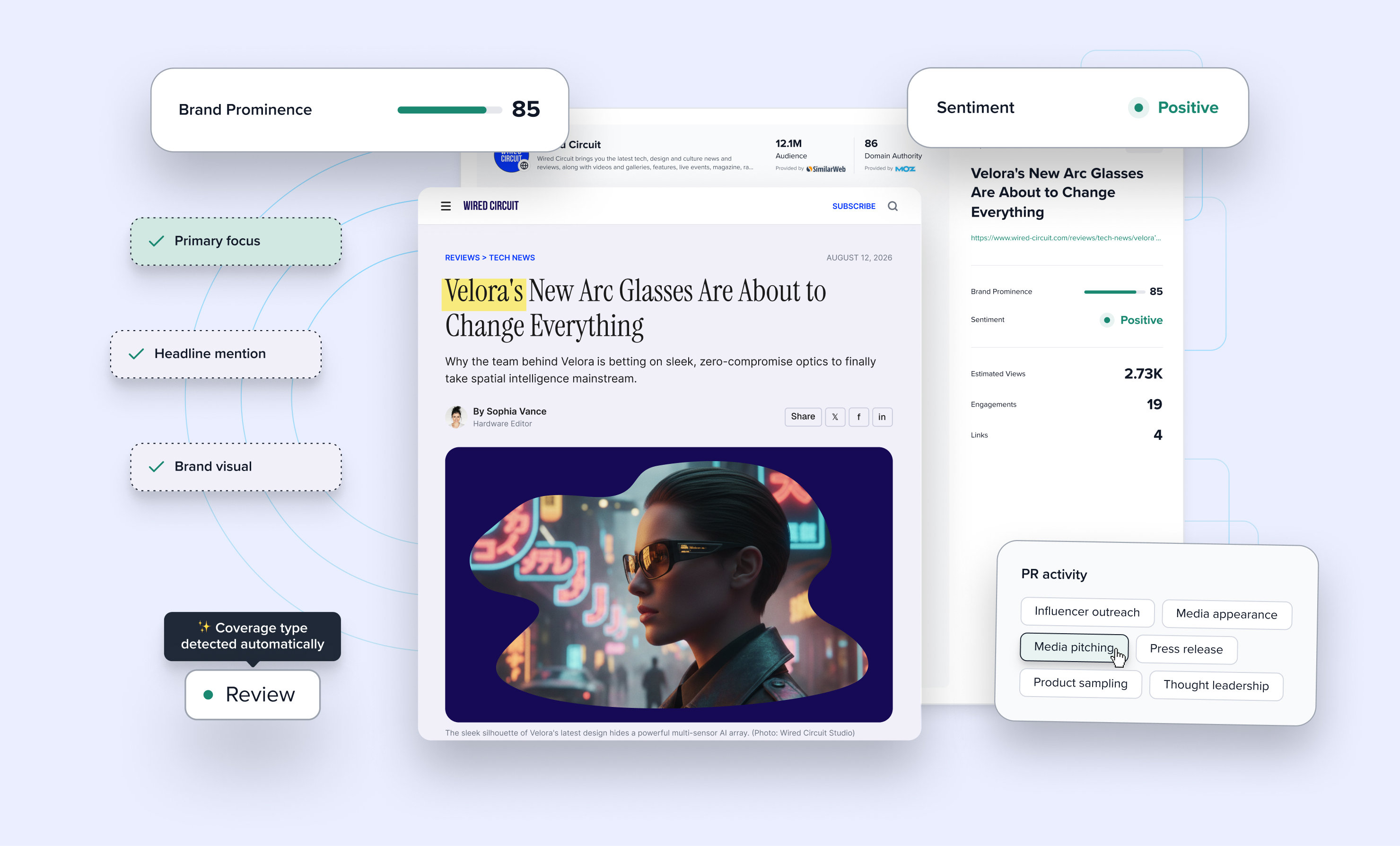
See which coverage gave your brand the greatest visibility
Understand how your brand was portrayed
Connect every clip to the campaign, launch or PR activity behind it
Give clients and stakeholders context beyond the headline metrics
Coverage Analysis gives your team a consistent structure for evaluating coverage. Instead of multiple spreadsheets, different systems and personal judgement, each clip has the same four measures, making it easier to compare campaigns, clients, markets and results over time.
How visible was your brand?
What kind of coverage was it?
How was your brand portrayed?
What actions led to the coverage?
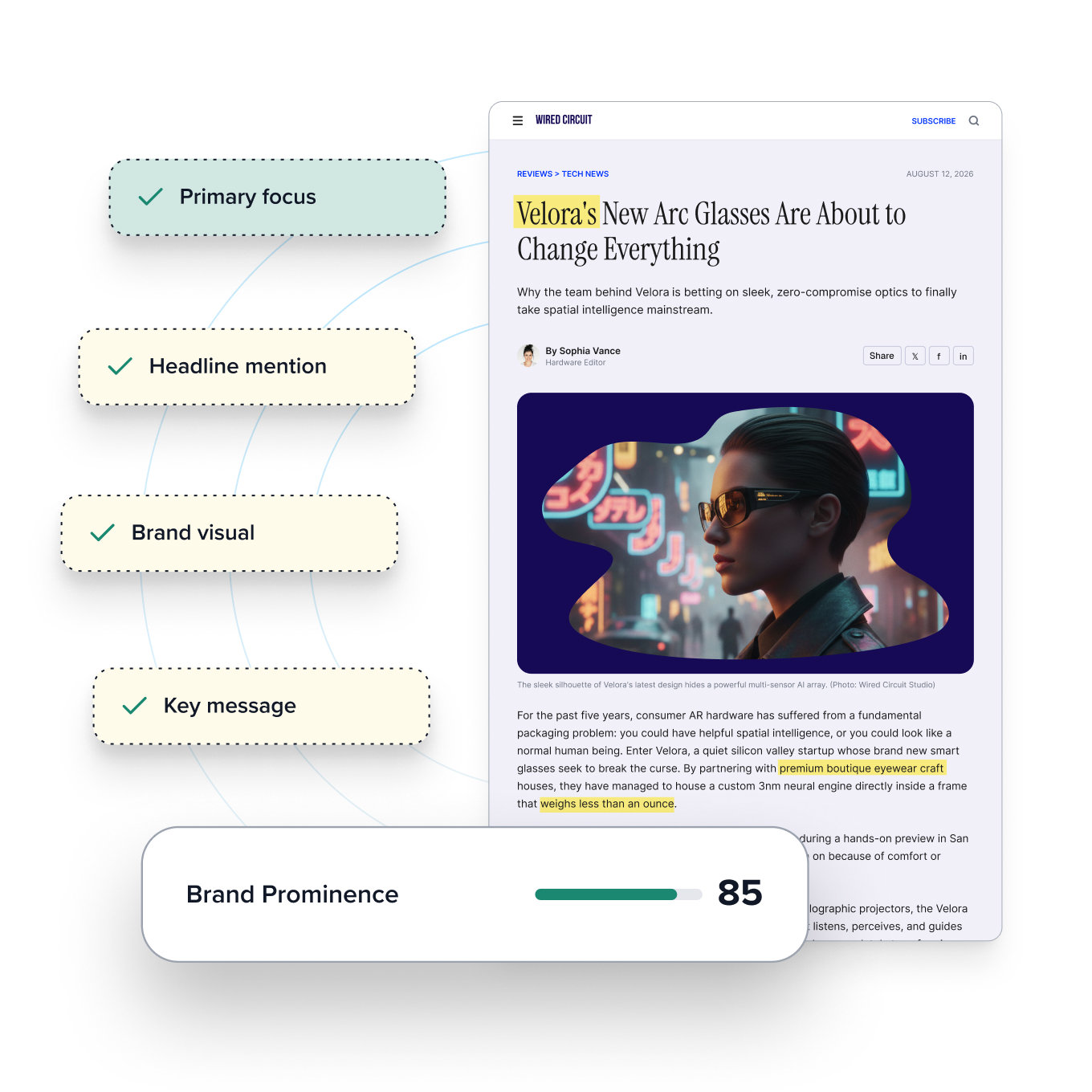
A passing mention doesn't tell the same story as a feature with your brand in the headline, imagery and key messages. Select the signals that appear in the coverage and CoverageBook turns them into a Brand Prominence score out of 100.
Move beyond reach – show brand visibility separately from the size of the audience.
Standardise your scoring – give the whole team a consistent way to judge visibility.
See the bigger picture – a report level summary score makes comparisons easy.
“This is exactly the kind of simple scoring framework PR teams actually need. Clients get lost when prominence gets bundled into a single opaque quality score. Separating it out makes it far easier to report against consistently”
Jon Macisaac, PR and Media Relations Specialist
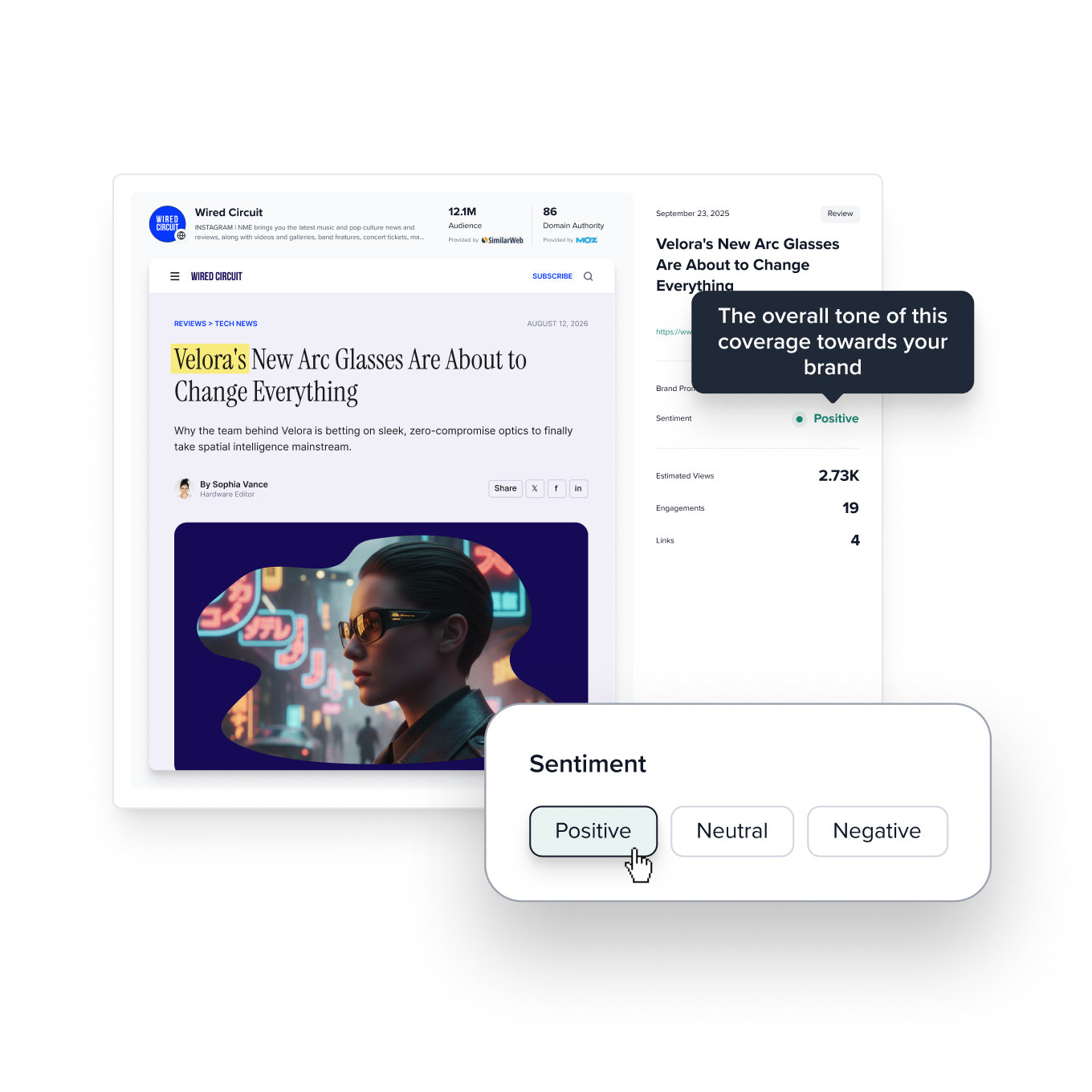
Positive, neutral and negative coverage all have different business implications. Capture brand sentiment alongside every piece of coverage to track and analyse perception over time.
Measure perception – record how favourable the coverage was towarards the brand
Tell the full story – add sentiment alongside reach, engagement and Brand Prominence.
Decide what to show – include sentiment in client reports, or keep it for internal analysis.
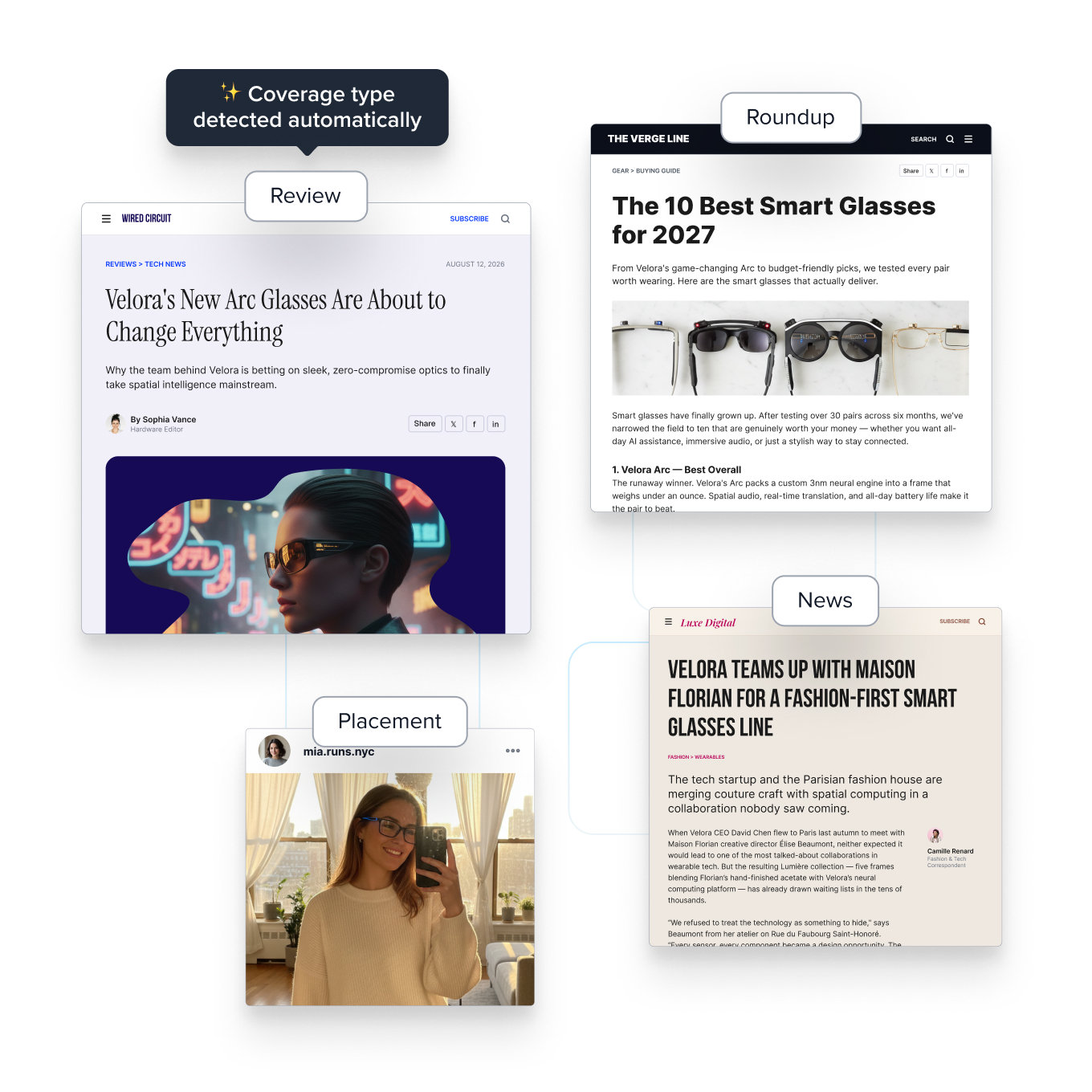
A review, a roundup and a news story each play a different role. Coverage types are automatically identified to allow you to filter and compare the mix across campaigns, products and reporting periods.
Explain the mix – show clients what formats their coverage is taking.
Automatically detected – for online and print clips.
Filter results – easily find all your reviews, features or news coverage.
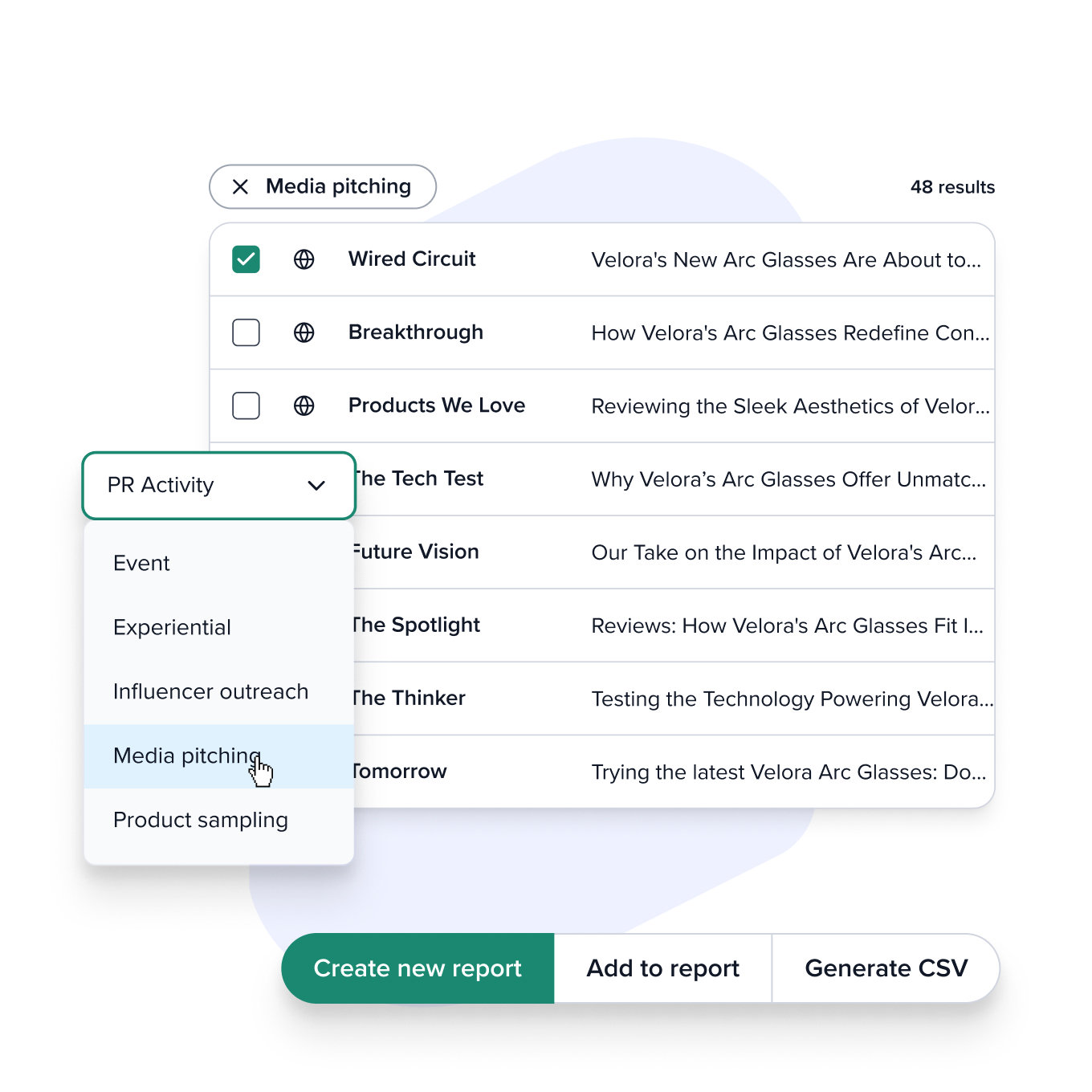
Add the tactic, event, pitch or activity associated with each clip. When it's time to report, you can bring related coverage together and compare the results linked to different parts of your PR programme.
Keep the work connected – see which coverage is associated with which activities.
Report by activity – filter related coverage to create a focused view of the results.
Control what you share – show PR Activity in reports or keep the tags for internal analysis.
Your report already has the metrics. Add the context that helps clients and stakeholders understand the work behind them.
Show how prominently your brand appeared in each placement
See the type and sentiment of the coverage you earned
Connect clips to the tactics, launches and PR activity behind them
Build clearer reports around the results that matter most
30 day free trial, no commitment, no credit card required. Annoying Salesperson will NOT call.
Get in touch, we'll be happy to help